XAUUSD
Built for Gold Traders · AI Auto Market Scan & Analysis
AI automatically scans the market and writes analysis every five minutes — bullish/bearish bias, entry reference, risk value, all thoroughly analysed for you. No tuning required, ready to reference instantly.

- AI Auto Market Scan · Five-Axis Radar Continuously Updated
- Composite Signal · Entry Reference · Risk Value
- Detailed Analysis · News & Economic Calendar

What Is the Gold Trading AI Radar?
AI has become the new trend in financial markets. The "Gold AI Radar" is created by Ming Tak Financial and designed specifically for gold trading (XAUUSD). Using multiple AI models such as Gemini, ChatGPT, and DeepSeek, combined with macroeconomics, technical indicators, and market sentiment data, it conducts independent analysis and cross-validation to provide investors with more objective and comprehensive gold market reference*.
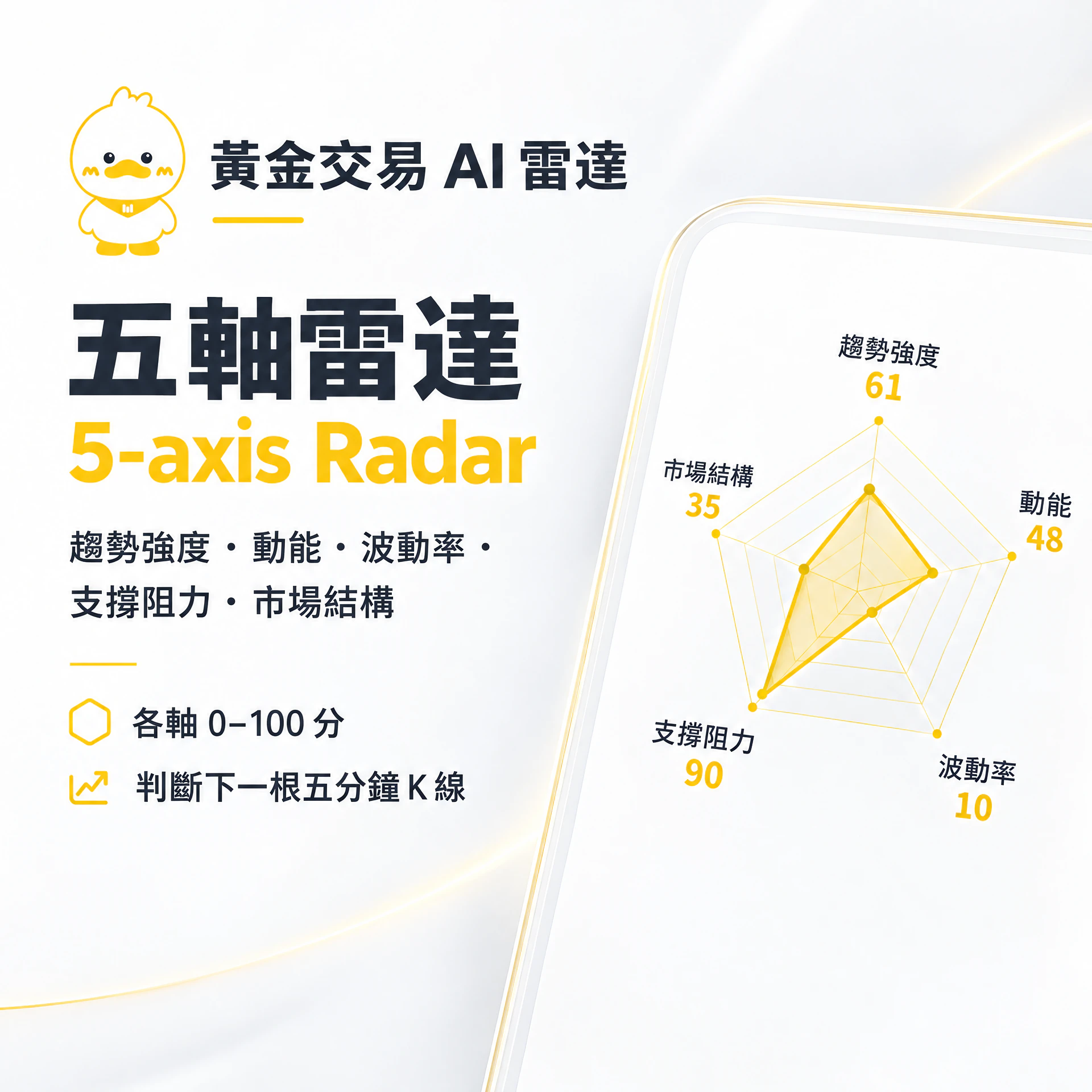
The system automatically recalculates approximately every five minutes, presenting trend strength, momentum, volatility, support/resistance, and market structure on a five-axis radar (each axis scored 0–100), with no manual tuning required.
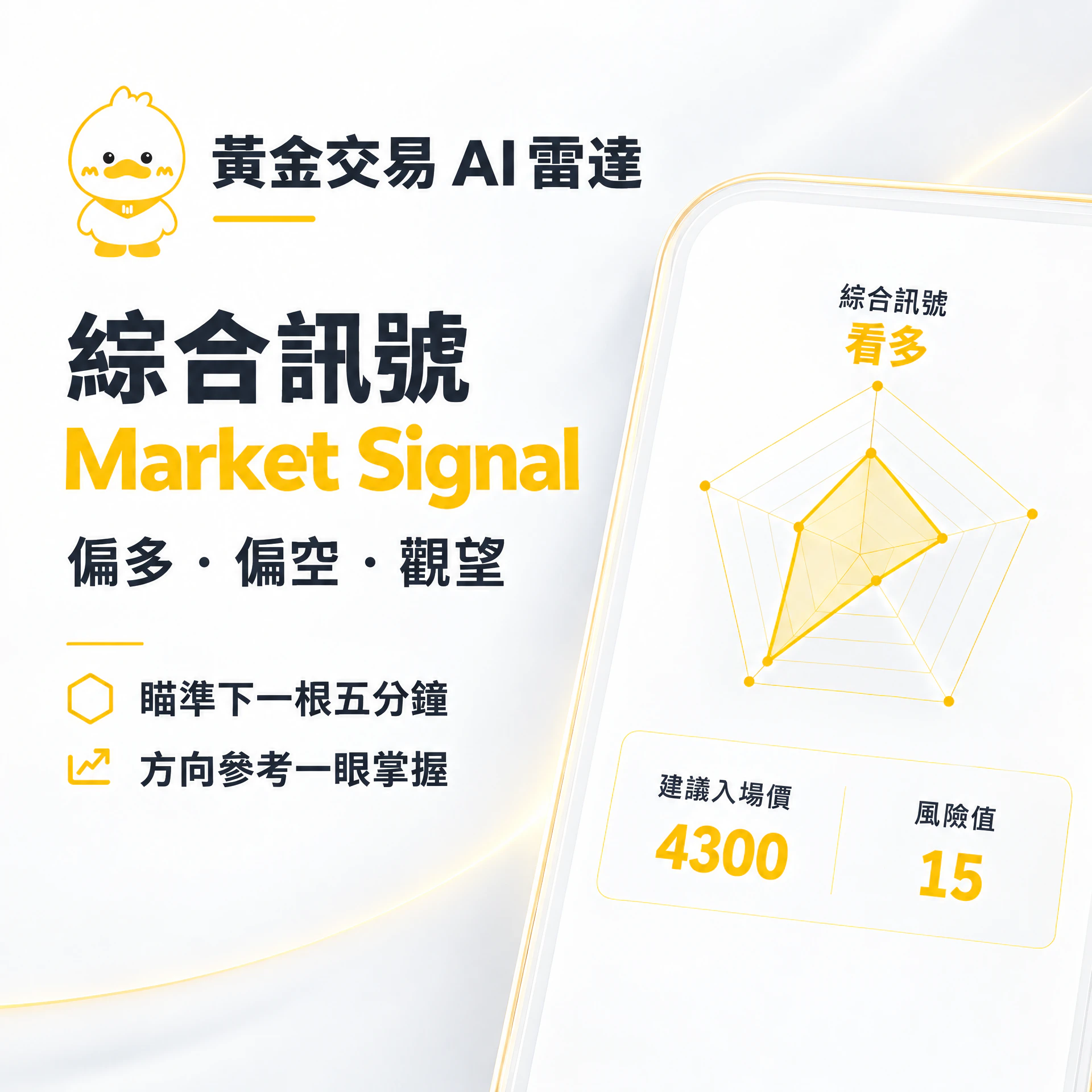
See at a glance the directional reference for the next 5-minute candle (bullish / bearish / wait), the suggested entry reference price, and the short-term volatility risk value — for quick judgment.
Beyond radar scores, it also provides detailed AI-written analysis, related news, and upcoming economic data dates, helping you align macro and short-term market conditions.
*The content provided by the "Gold AI Radar" is for market information and analytical reference only and does not constitute any investment advice, buy/sell solicitation, or guaranteed returns. AI analysis results may be affected by data sources, model judgment, and market changes. Users should make their own judgment and bear the relevant investment risks. Ming Tak Financial and related parties will not be liable for any losses arising from the use of this tool or reference to its content.
Ming Tak Low-Cost Advantage
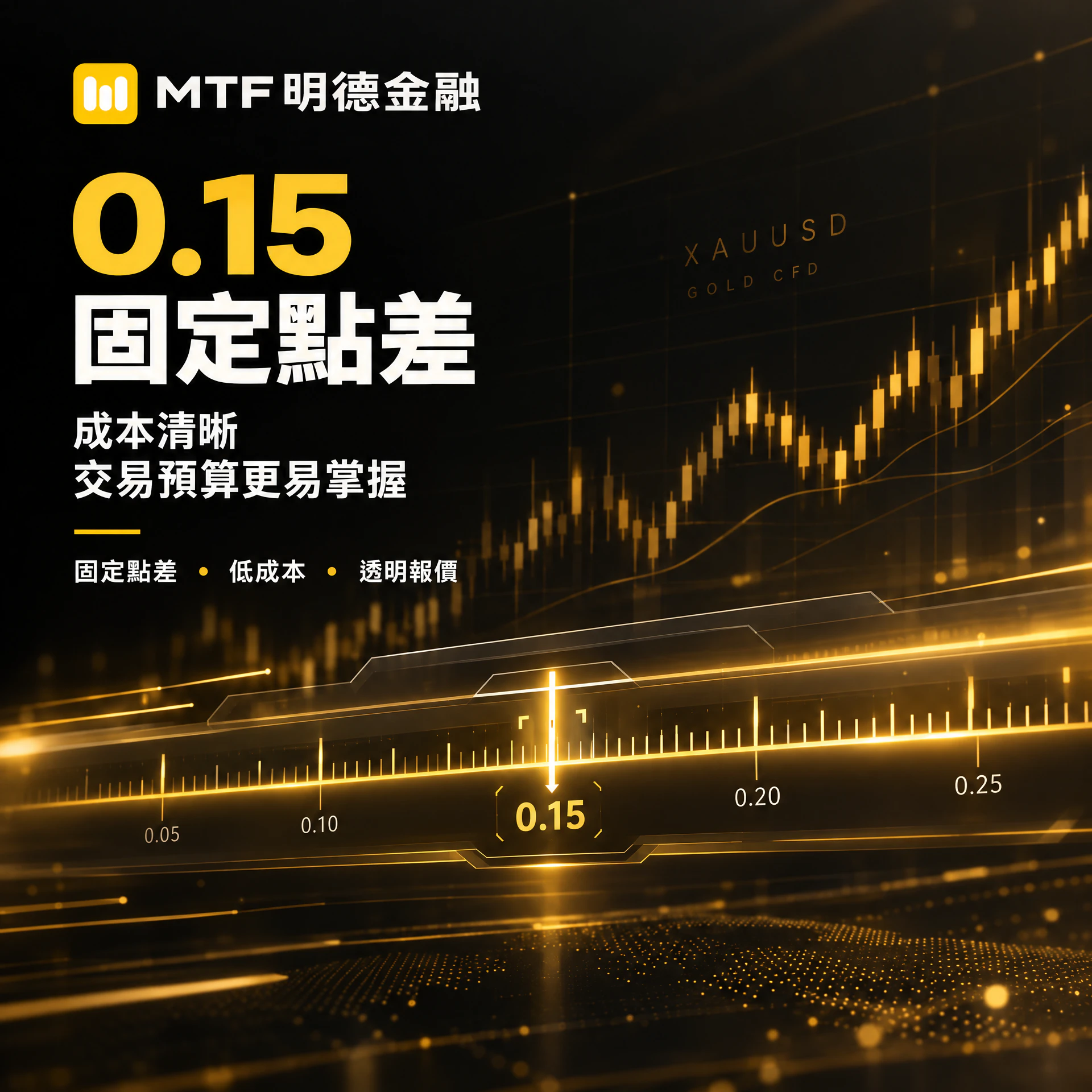
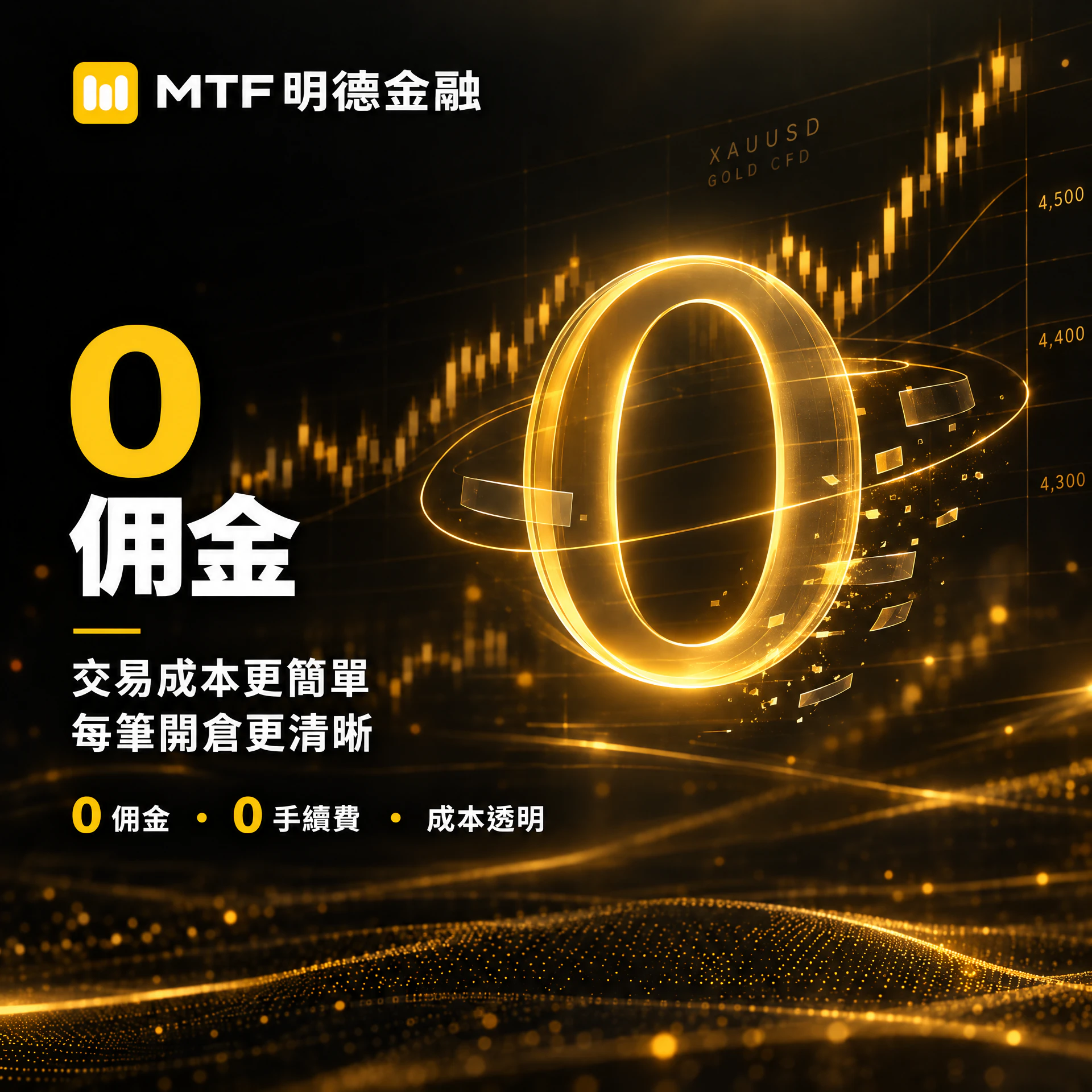
Ming Tak creates an extremely low-cost trading environment for gold traders — fixed 0.15 spread, 0 commission, making every position-opening cost more transparent and helping you protect your risk bottom line.






Click or swipe left/right
| Item | Ming Tak Financial | General Platforms |
|---|---|---|
| Spread | Fixed 0.15 | Floating, or widens during high volatility |
| Minimum Lot | 0.01 lot | Commonly 0.1 lot |
| Commission | 0 | Depends on platform |
| Margin | Fixed USD 1,000 / lot | Mostly floating |
| Customer Service | 7 x 24 live customer service | Not round-the-clock |
| Company Background | Hong Kong locally registered and audited | Mostly overseas platforms |
*Deposits and withdrawals are same-day credited, as fast as 5 minutes; actual time depends on bank or payment channel processing. Fixed spread means the spread remains fixed during the vast majority of trading hours; it may briefly change during extreme market volatility or insufficient liquidity. Also supports two-way trading, GTC / GTD pending orders, forced liquidation level (minimum margin < 10%), segregated handling of client funds, etc.; generally no additional margin calls on weekends, subject to official announcements and market conditions.
Gold Radar Efficient Analysis
Five-axis radar, composite signal, suggested entry price, risk value, and detailed analysis help improve the efficiency of gold trading decisions.

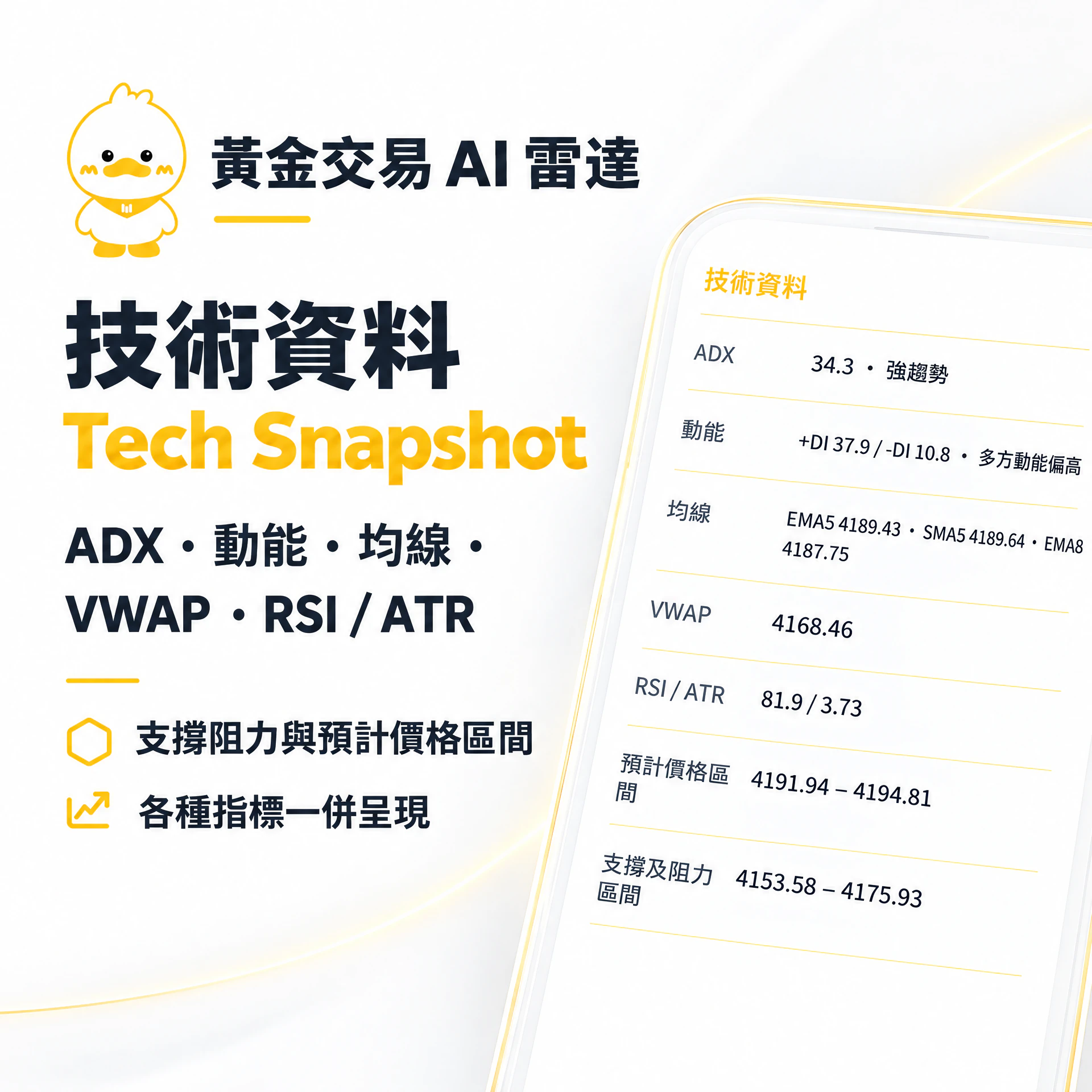
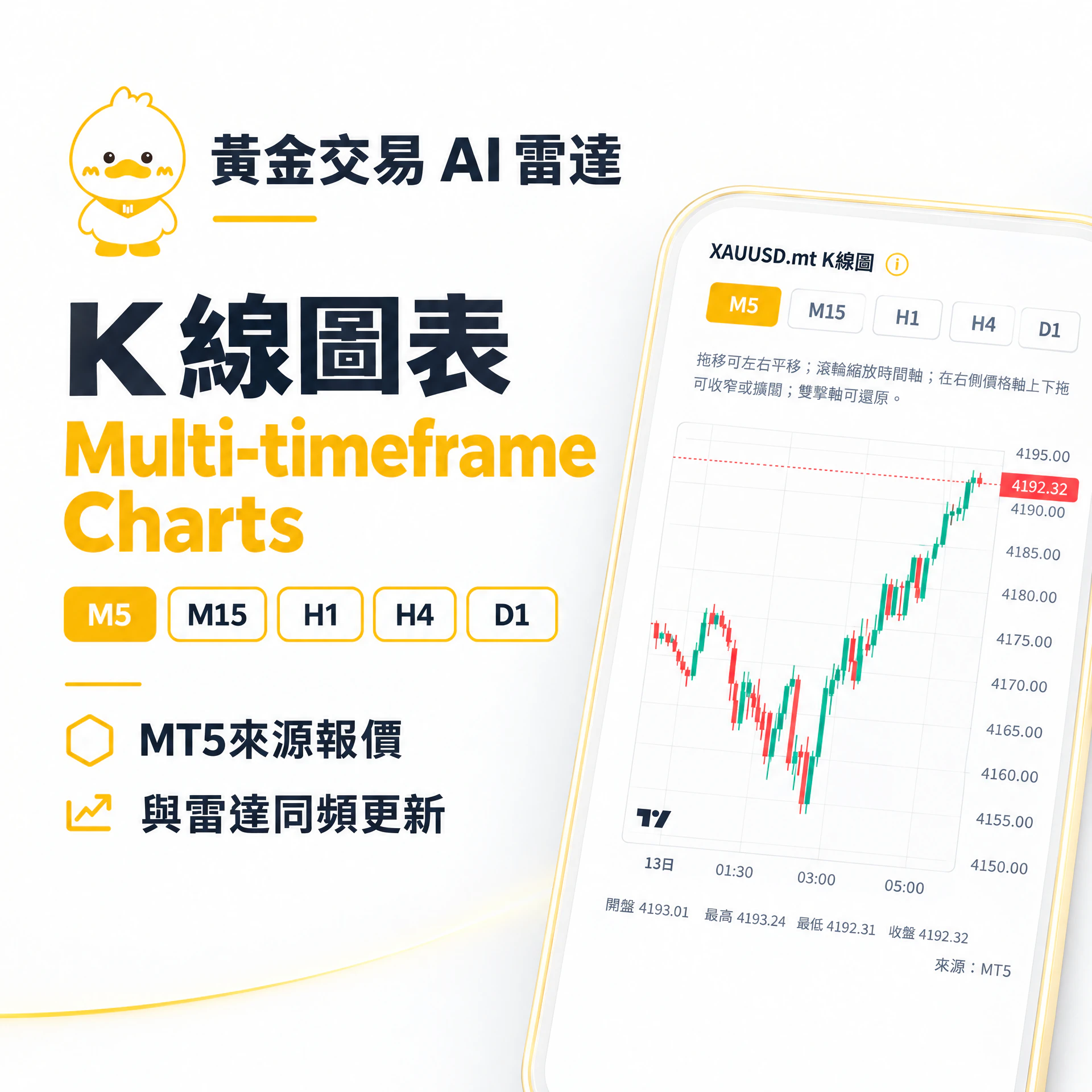


Click or swipe left/right
Activate the AI Radar in 3 Minutes
After you submit the form, we will send you an exclusive URL; once added to your home screen, you can open the radar with one tap like an App.
- 1
Tap "Use Radar for Free" and fill in the formLeave your contact details and complete the application.
- 2
Receive your exclusive URLWe will send you the Gold Radar link.
- 3
Open the link in your mobile browserWe recommend Safari (iPhone) or Chrome (Android).
- 4
Add to Home ScreenTap "Share / More" → "Add to Home Screen" to create an App icon.
- 5
Open the radar with one tapFrom then on, enter directly from your home screen to view signals and analysis.
- 6
Trade with your Ming Tak accountThe radar is for reference; actual orders are subject to the Ming Tak platform.
Is It for You?
If you want to instantly grasp XAUUSD market signals, and you don't want to miss Ming Tak's low-cost trading conditions, the Gold Radar is designed for you.
- Hong Kong traders who follow gold price movements daily
- Those focused on short- to medium-term XAUUSD gold trading
- Those who need low spreads, low thresholds, and highly transparent costs
- Those who want to use signals, entry prices, and risk values to support decisions
- Those who want no manual tuning — with AI scanning and analysing on schedule
- Those who need to combine news and the economic calendar to judge short-term rhythm
Apply for free by filling in the form, and we will send you an exclusive URL; you can also open a Ming Tak account at the same time and experience ultra-low-cost trading.
Ming Tak Financial
Ming Tak Financial is operated by Ming Tak International Wealthy Limited, locally registered with strict annual audits and tax filing, providing compliant quotations and execution for Gold Radar users.
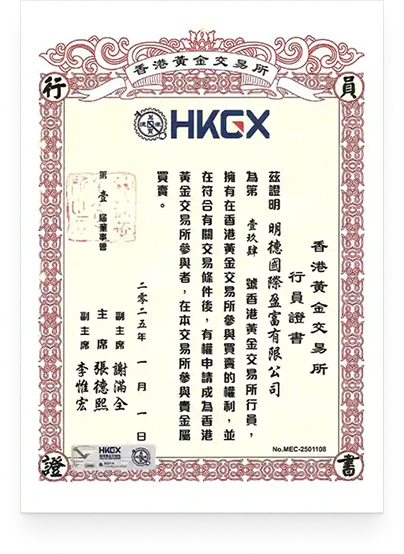
Class AA Member (formerly the Chinese Gold and Silver Exchange Society)
Member No. 194
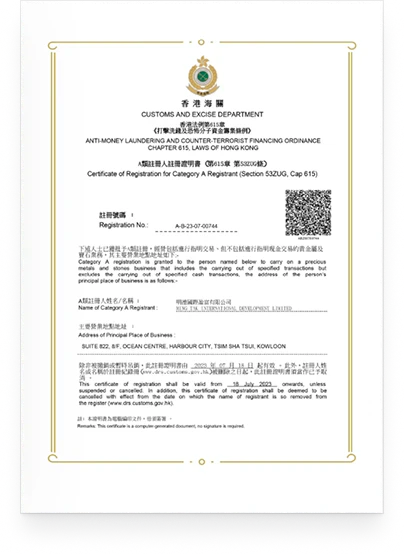
Precious Metals and Stones Dealer Type A Registrant
Registration No. A-B-23-07-00744
Gold Trading Radar AI Analysis · Completely Free
The form has been submitted, click here to show the hidden form.
Confirming your details are correct
- First fill in the "Use Radar for Free" form; we will send you the exclusive URL
- We recommend opening it on your phone (best experience)
- iPhone: please use Safari; Android: please use Chrome
- Open the exclusive URL we sent you in Safari
- Tap the "Share" icon at the bottom center (box with an upward arrow)
- Scroll down the menu and select "Add to Home Screen"
- You may edit the name (we suggest keeping "Gold Trading AI Radar" or "Gold Radar")
- Tap "Add" to confirm
- Return to your home screen and you will see the App icon; open it with one tap from then on
- Open the exclusive URL we sent you in Chrome
- Tap the "⋮" more menu in the top right corner
- Select "Add to Home screen" or "Install app"
- Confirm the name and tap "Add" / "Install"
- Return to your home screen and you will see the App icon; open it with one tap from then on
- After adding to your home screen, the experience is close to a native App (full screen, no address bar)
- The radar updates signals and analysis on schedule; you can also manually reload within the App
- The Gold Radar is for reference only and is not investment advice; actual orders are subject to the Ming Tak platform
- Didn't receive the URL, login or operation issues: please contact Ming Tak Financial customer service or enquire via WhatsApp
- Account opening, deposits, withdrawals, trade execution: please contact Ming Tak Financial customer service